

About Desktop
The Desktop panel opens a virtual desktop inside your Cosmos cloud session. It lets you see and interact with graphical apps the agent runs, such as a browser for a sign-in step or a visual test. Desktop is optional for normal chat and coding tasks. The desktop runs in the session’s cloud environment, separate from the desktop on your laptop. The panel sits in the right sidebar of a Session, under the Desktop heading. On a shared Session, the Desktop panel and Open Desktop are limited to people who can modify the Session. Viewers can read the conversation while the panel stays hidden, even after the environment is running.Start the session first
Open Desktop stays disabled until the session environment is running. When nothing is set up yet, the panel shows No desktop set up. and Start the session to open a desktop.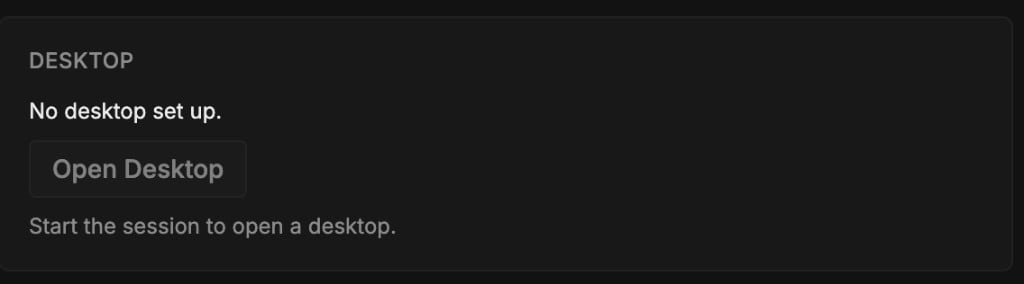
Open Desktop
1
Open the right sidebar
With the Session open and its environment running, open the right sidebar.
2
Click Open Desktop
In the Desktop section, click Open Desktop.
3
Wait for setup
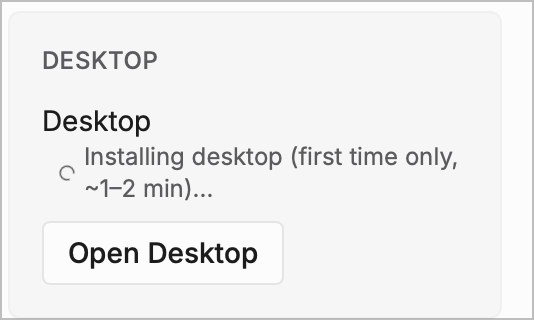
Cosmos opens the Desktop tab as soon as setup starts. The panel shows Installing desktop (first time only, ~1–2 min)… while that runs. Graphical apps become usable once the desktop connects.
4
Use the Desktop tab
After the desktop connects, you can see and interact with graphical apps running in the session.
Leave Desktop closed for ordinary chat and coding. The agent can still read repositories, run commands, and use its tools without it.