Introduction
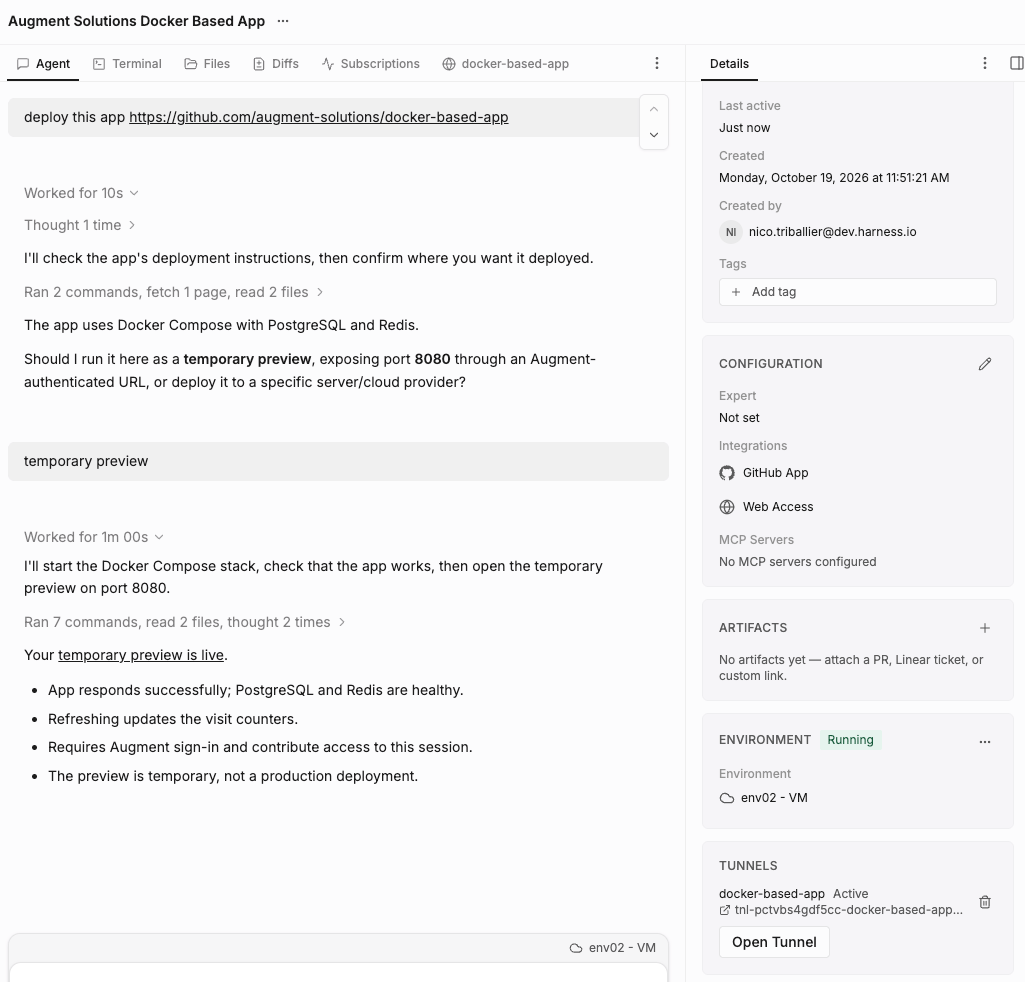
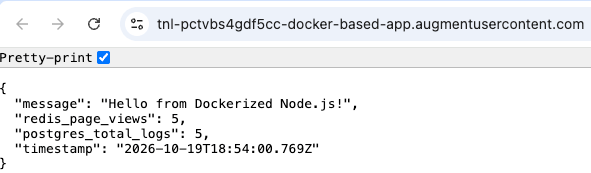
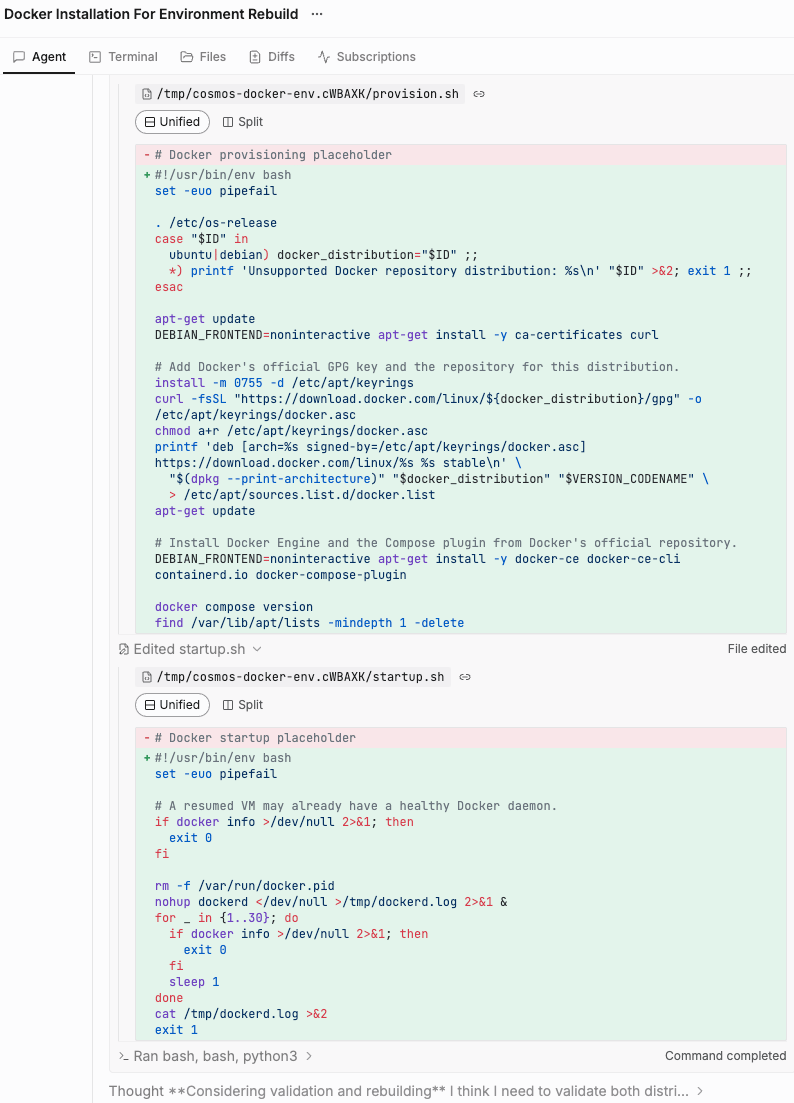
In this guide we’ll configure a Cosmos cloud env to run docker compose commands, start a test instance of a given app and preview it via Cosmos tunnels.Configuration
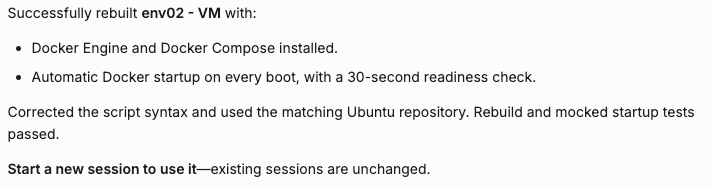
Create a new env with support for Docker: cosmos.augmentcode.com > Settings > Environments > Create an environment > Augment Cloud:- Name - ex:
env01 (VM) - Base image - keep the default image
- Repositories - you can leave unselected for now and come back to it after completing this guide
- Runtime - make sure to select Virtual Machine (=VM)
- Refresh - toggle on Scheduled refresh
- Click on Create environment
Run a test session
Test a docker compose command with a simple repo: cosmos.augmentcode.com > New session > Select the env you create above > Submit this prompt: