- Local Server
- Remote Server
1. Install Auggie CLI
2. Sign in to Augment
3. Configure the MCP server in GitHub Copilot
- Please create the following file at the root of your project: .vscode/mcp.json
- Paste this content inside and Save
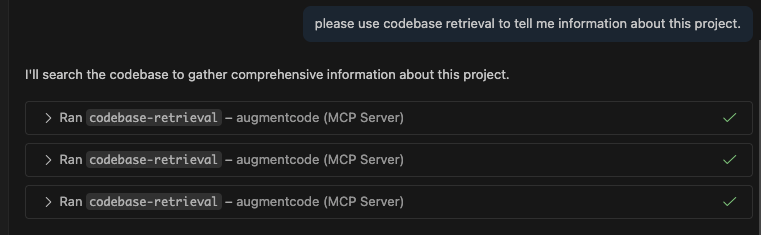
4. Test the integration
Prompt this in AGENT MODE: “What is this project? Please use codebase retrieval tool to get the answer.”Copilot should confirm it has access to thecodebase-retrieval tool.